The best IPTV apps for Firestick turn a $30–$60 streaming stick into a full IPTV platform with proper EPG, Xtream Codes login, 4K HDR playback, and D-pad-friendly navigation. Not every popular IPTV player works well on Fire TV, and — critically for 2026 — Amazon’s newest Fire TV Stick models block the sideload method most IPTV apps rely on. This guide ranks nine Firestick IPTV apps with real specs, pricing, install methods, and the specific scenario each one actually fits.
Critical 2026 Update: Vega OS vs. Fire OS
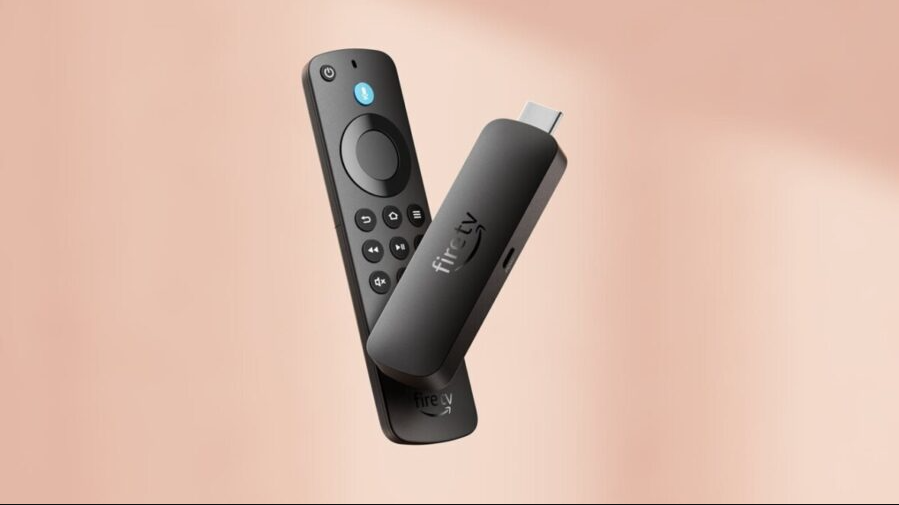
Before installing anything, check which Firestick model is in use. Amazon split its lineup in late 2025 between two operating systems, and the split changes what IPTV apps are available.
- Fire OS (Android-based) devices — sideload works: Fire TV Stick 4K Max, Fire TV Stick 4K Plus, Fire TV Cube (3rd gen), Fire TV smart TVs (Insignia, Toshiba, and other Fire TV-built-in models). These run every IPTV app in this guide via the Downloader sideload method.
- Vega OS (Linux-based) devices — sideload blocked: Fire TV Stick 4K Select (2025) and Fire TV Stick HD (2026). Vega OS blocks the ability to sideload apps and lacks a lot of native apps, so the only Firestick IPTV apps available are the small subset Amazon has approved for the Vega Appstore.
Users on Vega OS Fire TV Sticks can still stream IPTV, but the choice narrows dramatically. The ranked apps below note Fire OS/Vega OS compatibility explicitly. Anyone planning to buy a new Firestick specifically for IPTV should pick the Fire TV Stick 4K Max — the current Fire TV Stick 4K Max is among the last Android-based Fire TV Sticks that will allow sideloading.
Best IPTV Apps for Firestick: Quick Comparison
- Best overall Firestick IPTV app: TiviMate — polished EPG, D-pad-native UI, best-in-class Fire TV experience
- Best free Firestick IPTV app: IPTV Smarters Pro — full Xtream Codes support, zero cost
- Best for power users: OTT Navigator — deepest customization on Fire TV
- Best for M3U-only playlists: VLC — universal format support, no EPG
- Best for multi-source management: Kodi — plugin ecosystem, PVR IPTV Simple Client
- Best for cross-device sync: IPTV One — cloud sync across 8 platforms
- Best for Vega OS Firesticks: Smart IPTV (SIPTV) or Amazon Appstore-listed options only
1. TiviMate — Best Overall IPTV App for Firestick
Quick facts:
- Price: Free tier available; TiviMate Premium approximately $19.99/year or $34.99 lifetime
- Firestick compatibility: Fire OS devices only (Fire TV Stick 4K Max, Fire TV Stick 4K Plus, Fire TV Cube)
- Vega OS support: No — TiviMate requires sideload
- Free trial: 7-day Premium trial
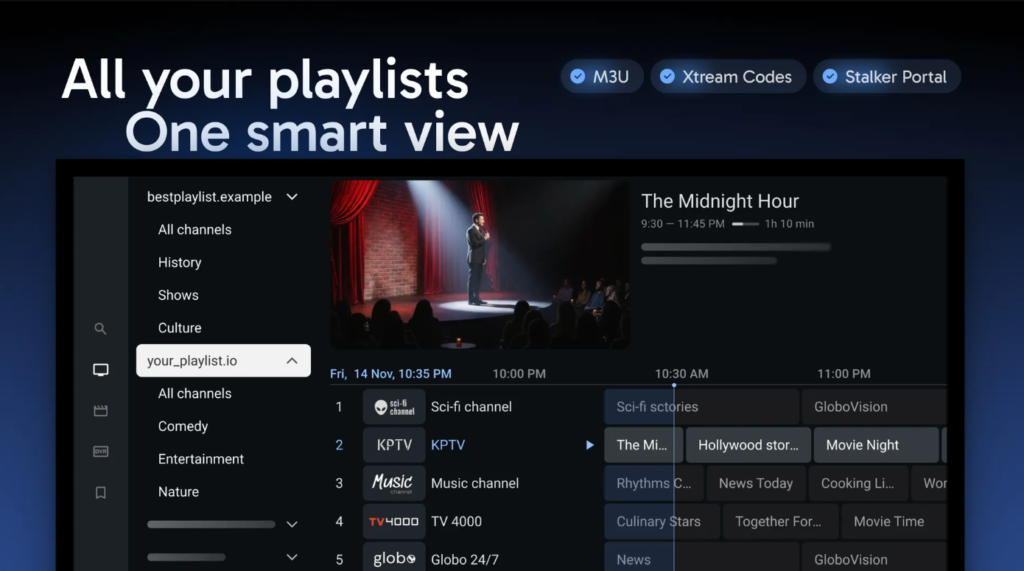
- Playlist formats: M3U, Xtream Codes, Stalker Portal (MAC address)
- Install method: Downloader app — code varies (check TiviMate’s official site)
- 4K HDR playback: Yes, hardware-accelerated on Fire TV Stick 4K Max
Key features:
- EPG grid that mirrors traditional cable TV guides — the strongest EPG UI on any Firestick IPTV app
- Multi-playlist support for combining several IPTV sources (Premium only)
- Catch-up TV integration where providers support it
- Recording (DVR) to a USB drive plugged into the Firestick (Premium only)
- Picture-in-picture mini-player while browsing the guide
- Parental controls with per-category PIN locks
Best for: Firestick users who want the closest experience to a traditional cable TV interface, with a polished EPG and reliable Xtream Codes login handling.
TiviMate remains the default recommendation for most Fire OS Firesticks in 2026. The free tier covers basic playback and Xtream Codes login; the Premium tier unlocks multi-playlist, DVR, and Stalker Portal — the features power users actually need. The single limitation is platform lock-in: TiviMate exists only on Android, Android TV, and Fire TV. Users who also stream on iPhone, Windows, or Apple TV will need a second app on those devices.
2. IPTV Smarters Pro — Best Free IPTV App for Firestick
Quick facts:
- Price: Free, no ads, no premium tier
- Firestick compatibility: Fire OS devices via sideload
- Vega OS support: No — Vega OS Appstore does not carry IPTV Smarters
- Free trial: N/A — the app itself is fully free
- Playlist formats: M3U, M3U8, Xtream Codes login
- Install method: Downloader app or direct APK sideload
- 4K HDR playback: Yes, on Fire TV Stick 4K Max
Key features:
- Native Xtream Codes login with three-field authentication (server, username, password)
- Series and VOD browsing through dedicated Xtream Codes API endpoints
- EPG support via
tvg-idmatching from M3U playlists - Multi-screen playback across phone, tablet, Fire TV, and Windows
- External player integration — hand streams off to MX Player or VLC for problematic codecs
- Catch-up TV on supported provider setups
Best for: Firestick users who don’t want to pay for an IPTV app and need a working Xtream Codes login with VOD and series browsing.
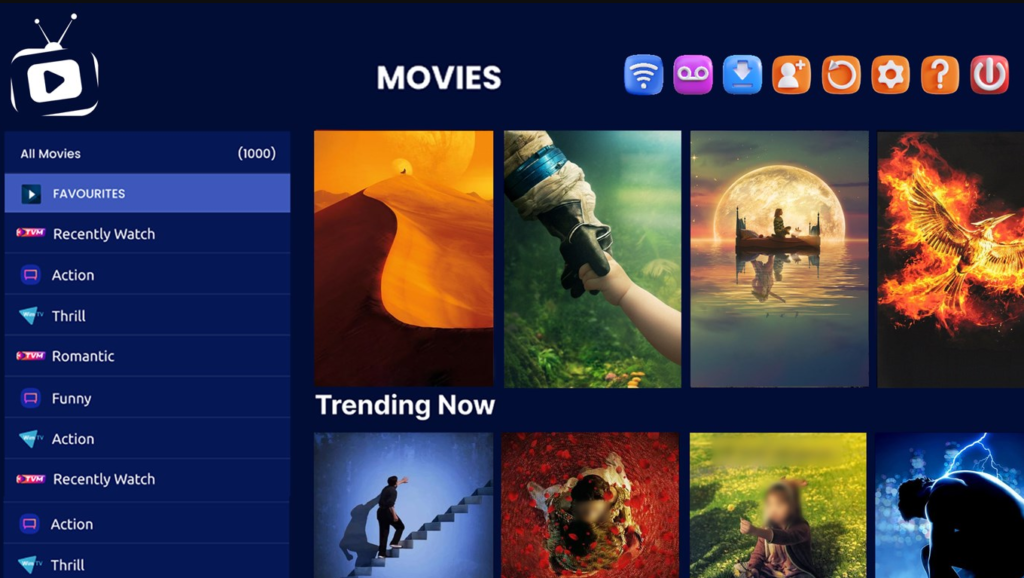
IPTV Smarters Pro is the most-recognized free IPTV player globally and installs cleanly on Fire OS devices. The UI feels less polished than TiviMate — controls are sized for touchscreens rather than a D-pad remote, and channel-switching is slightly slower — but every core feature works. For anyone testing a new IPTV subscription without wanting to commit to TiviMate Premium, IPTV Smarters Pro is the fastest path to a working setup.
3. OTT Navigator — Best for Firestick Power Users
Quick facts:
- Price: Free with ads; Premium approximately $12/year removes ads and unlocks features
- Firestick compatibility: Fire OS devices via sideload
- Vega OS support: No
- Free trial: N/A — free tier available indefinitely
- Playlist formats: M3U, Xtream Codes, Stalker Portal
- Install method: Downloader app or APK sideload
- 4K HDR playback: Yes
Key features:
- Deep customization of EPG layout, channel categories, buffer size, and skin themes
- Multiple playlist merging without Premium (a rare free-tier perk)
- Catch-up TV and archive TV support where providers offer it
- Custom sort rules for channel lists — group by country, quality, or provider
- Torrent-TV integration for supported IPTV services
- Extensive keyboard shortcut support for keyboard-connected Fire TVs
Best for: Firestick users who enjoy configuring every setting themselves and want a TiviMate alternative with a lower price point.
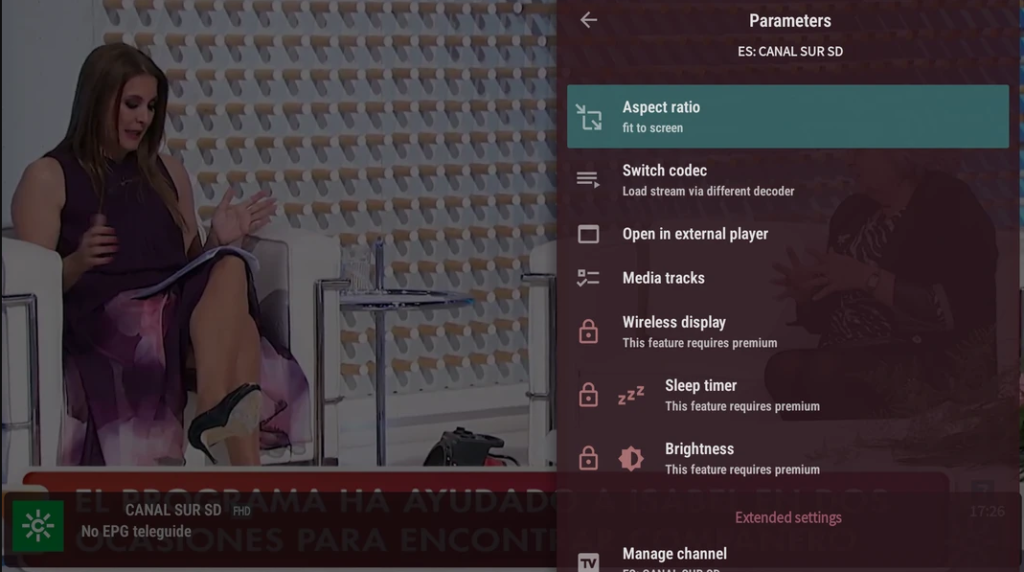
OTT Navigator is the app for users who read the settings screen top-to-bottom. Every EPG detail, every buffer parameter, every channel grouping rule is exposed. The learning curve is steeper than TiviMate — the default UI is denser and less “TV-friendly” — but the depth of control is unmatched among Firestick IPTV apps in 2026.
4. Kodi — Best for Multi-Source IPTV Management
Quick facts:
- Price: Free, open-source
- Firestick compatibility: Fire OS devices; available on Amazon Appstore for Vega OS but with reduced functionality
- Vega OS support: Partial — basic Kodi runs, third-party addons may not
- Free trial: N/A — fully free forever
- Playlist formats: M3U via PVR IPTV Simple Client addon, Xtream Codes via third-party addons
- Install method: Amazon Appstore or Downloader sideload for latest builds
- 4K HDR playback: Yes, with hardware acceleration
Key features:
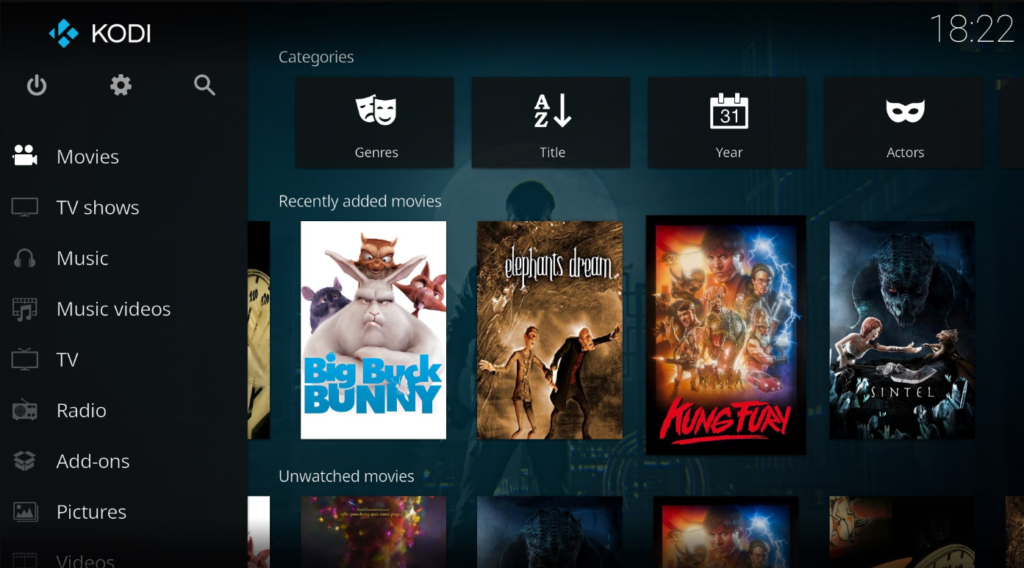
- PVR IPTV Simple Client addon parses M3U + XMLTV EPG together
- Skin ecosystem — swap the entire UI (Estuary, Arctic Zephyr, Aeon MQ)
- Local media integration — mix IPTV with local files and network shares
- Addon marketplace for extending functionality
- Cross-platform continuity — Kodi runs on virtually every OS with the same interface
- Advanced EPG through multiple XMLTV sources merged
Best for: Firestick users combining IPTV with a home media library (Plex, Jellyfin, local drives), and Kodi veterans migrating from other devices.
Kodi is the most flexible free option on this list, but it requires the most configuration. The PVR IPTV Simple Client addon needs manual setup — M3U URL, EPG URL, refresh interval — and the default Estuary skin isn’t optimized for a Firestick remote until a TV-focused skin is installed. Once configured, Kodi becomes the most powerful Firestick IPTV app for users who want IPTV and local media in the same interface.
5. IPTV One — Best for Cross-Device Sync
Quick facts:
- Price: Free tier with core playback; Premium unlocks unlimited playlists and full cross-device sync
- Firestick compatibility: Fire OS devices via sideload (Downloader code 1411180)
- Vega OS support: No — sideload required
- Free trial: Free tier available indefinitely
- Playlist formats: M3U, Xtream Codes, Stalker Portal
- Install method: Downloader app — enter code 1411180, install in approximately 60 seconds
- 4K HDR playback: Yes, with Dolby Vision on Fire TV Stick 4K Max
Key features:
- Cloud sync across 8 platforms — Fire TV, Android, Android TV, iOS, macOS, Windows, Linux, Apple TV
- Playlists, favorites, watch history, and playback position sync automatically when signed in
- TMDb metadata enrichment for VOD posters, descriptions, and cast
- D-pad-optimized interface designed for remote navigation from the ground up
- Multi-format support including Stalker Portal MAC authentication
- Hardware-accelerated 4K HDR and Dolby Vision decode
Best for: Households running IPTV on multiple devices (Firestick + iPhone + Windows PC) where playlist and watch-history continuity matters.
IPTV One is the newest entrant in this list and its differentiator is cloud sync — the same playlist added on the Firestick appears on iPhone and Mac automatically. Most Firestick IPTV apps treat each device as a separate island; IPTV One treats the account as the source of truth. Users on a single device won’t notice the advantage; multi-device households will.
6. VLC Media Player — Best for M3U Testing
Quick facts:
- Price: Free, open-source, no ads
- Firestick compatibility: Fire OS via Amazon Appstore; Vega OS may have a limited version
- Vega OS support: Yes — VLC is one of the few IPTV-capable apps on Vega OS
- Free trial: N/A — fully free
- Playlist formats: M3U, M3U8; no Xtream Codes API support
- Install method: Amazon Appstore direct install (no sideload needed)
- 4K HDR playback: Yes, on Fire TV Stick 4K Max
Key features:
- Universal codec support — plays virtually any stream format including MPEG-TS, HLS, and DASH
- M3U playlist loading via Media → Open Network Stream on other platforms; UI simpler on Fire TV
- Streaming to Chromecast from within the app
- Subtitle handling with external
.srtfile support - Zero configuration — paste URL, playback starts
Best for: Testing whether an M3U URL is live, quick fallback playback on Vega OS Firesticks, and users who only need a single stream URL to work.
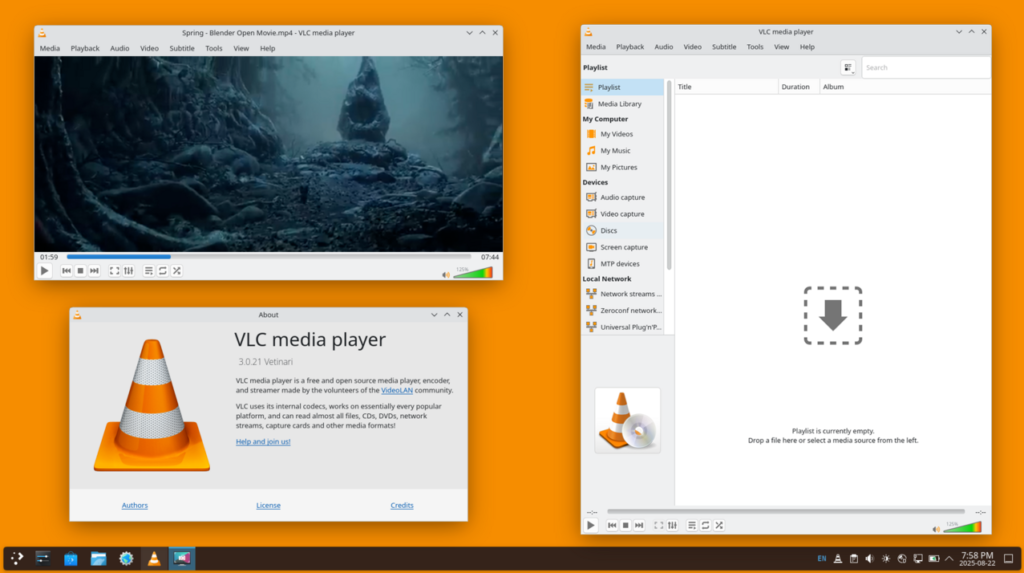
VLC is not a real IPTV player — no EPG, no channel groups, no favorites, no Xtream Codes login, no watch history. What VLC does is open any stream URL and play it, which makes it the best diagnostic tool on this list. When a stream doesn’t work in TiviMate, opening the same URL in VLC confirms whether the problem is the stream or the player. VLC is also one of the few IPTV-capable apps available on Vega OS Firesticks without sideloading.
7. Perfect Player IPTV — Simple M3U Playback with EPG
Quick facts:
- Price: Free tier with ads; Premium approximately $2 one-time removes ads
- Firestick compatibility: Fire OS via sideload
- Vega OS support: No
- Free trial: N/A — free tier available
- Playlist formats: M3U, XSPF; limited Xtream Codes support
- Install method: Downloader app or APK sideload
- 4K HDR playback: Yes on capable hardware
Key features:
- Lightweight footprint — installs and runs on lower-spec Firestick models
- EPG grid with XMLTV URL support
- Multi-playlist support in free tier
- Custom logo pack — override channel logos with local images
- Simple UI with minimal learning curve
Best for: Firestick users who want a no-nonsense IPTV player for a single M3U playlist without paying for TiviMate Premium.
Perfect Player IPTV occupies a middle ground between VLC (too basic) and TiviMate (feature-heavy). The $2 one-time Premium unlock removes ads permanently, which makes it the cheapest paid Firestick IPTV app on this list. Development pace has slowed compared to TiviMate, and the UI shows its age — but for a simple M3U + XMLTV setup, Perfect Player works reliably.
8. GSE Smart IPTV — Legacy Option
Quick facts:
- Price: Free with in-app purchases; Premium removes ads
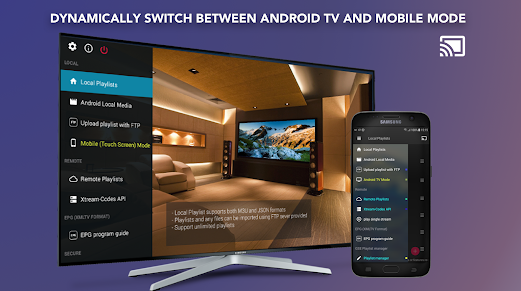
- Firestick compatibility: Fire OS via sideload — Fire TV APK is less full-featured than iOS/Android versions
- Vega OS support: No
- Free trial: N/A — free tier available
- Playlist formats: M3U, JSON, Xtream Codes (limited on Fire TV build)
- Install method: APK sideload via Downloader
- 4K HDR playback: Limited depending on Fire TV model
Key features:
- Multi-format playlist import including URL, file, and JSON
- EPG with XMLTV support
- Chromecast support for casting to other devices
- Parental controls with PIN locks
Best for: Users who already use GSE Smart IPTV on iOS and want the same app on Firestick for consistency — not a first-choice Firestick IPTV app in 2026.
GSE Smart IPTV built its reputation on the iOS App Store years ago. The Fire TV version has fallen behind — some features present in the iOS build are missing, and development updates arrive slowly. GSE Smart IPTV still works, but TiviMate and IPTV Smarters Pro have surpassed it as first-choice Firestick IPTV apps.
9. Smart IPTV (SIPTV) — Best Vega OS Compatible Option
Quick facts:
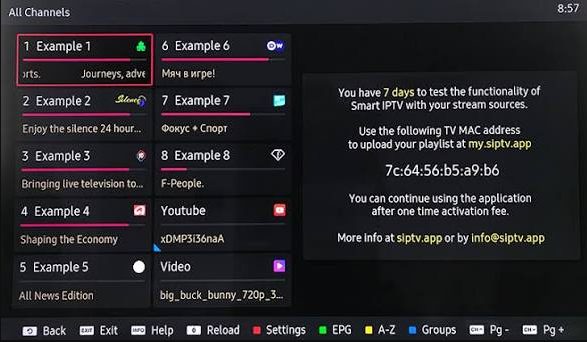
- Price: 7-day free trial; approximately €5.49 one-time activation per MAC address
- Firestick compatibility: Available in Amazon Appstore — works on both Fire OS and Vega OS Firesticks
- Vega OS support: Yes — one of the very few paid IPTV players available on Vega OS
- Free trial: 7 days full functionality
- Playlist formats: M3U, M3U8 (uploaded via web portal)
- Install method: Amazon Appstore direct install
- 4K HDR playback: Yes on capable Firestick models
Key features:
- Web-based playlist upload — upload M3U to the SIPTV portal, syncs to the app
- EPG via XMLTV URL configured through the same web portal
- MAC address licensing — one-time payment tied to a specific Firestick
- Persistent across app updates — playlist stored server-side, not locally
Best for: Users with a Fire TV Stick 4K Select (2025) or Fire TV Stick HD (2026) Vega OS device who cannot sideload other IPTV apps.
Smart IPTV is one of the rare Firestick IPTV apps that works on both Fire OS and Vega OS without sideloading. The trade-off is the workflow — playlists upload through an external web portal rather than being pasted directly into the app. For Vega OS Firestick owners, Smart IPTV is often the most polished option available.
How to Install IPTV Apps on Firestick (Fire OS)
Sideloading is the standard install method for Firestick IPTV apps not carried in the Amazon Appstore. It works on all Fire OS devices (Fire TV Stick 4K Max, Fire TV Stick 4K Plus, Fire TV Cube, Fire TV smart TVs) but does not work on Vega OS models.
Step 1: Enable app installation from unknown sources. Open Settings → My Fire TV → Developer Options → Install Unknown Apps. Toggle Downloader to ON.
Step 2: Install the Downloader app. Downloader is free in the Amazon Appstore. Search “Downloader” and install it directly.
Step 3: Open Downloader and enter the code or URL. Each Firestick IPTV app has a Downloader shortcode or a direct APK URL provided on the developer’s site. For example, IPTV One uses code 1411180.
Step 4: Install the APK. After download completes, tap Install. The process takes approximately 60 seconds.
Step 5: Configure the playlist. Open the newly installed IPTV app, add the M3U URL or Xtream Codes credentials, and channel parsing begins immediately.
Sideloading only needs to be done once per device. Reinstalling the same IPTV app after a Firestick reset repeats the same steps.
Which Firestick IPTV App Should You Pick?
- Fire OS Firestick + one device only + willing to pay: TiviMate Premium — the best all-around experience.
- Fire OS Firestick + free is a hard requirement: IPTV Smarters Pro — full Xtream Codes support without paying.
- Fire OS Firestick + multiple devices in the household: IPTV One — cross-device sync is the differentiator.
- Fire OS Firestick + heavy customization needs: OTT Navigator — deepest configuration options.
- Fire OS Firestick + local media library: Kodi with PVR IPTV Simple Client.
- Fire OS Firestick + testing/diagnostics: VLC — quick stream validation.
- Vega OS Firestick (4K Select or HD): Smart IPTV (SIPTV) or VLC — sideload is blocked.
Frequently Asked Questions
What is the best IPTV app for Firestick in 2026?
TiviMate is the best overall Firestick IPTV app for Fire OS devices — polished EPG, D-pad-native UI, and reliable Xtream Codes support. Free tier covers basics; Premium (approximately $19.99/year) unlocks multi-playlist, DVR, and Stalker Portal. On Vega OS Firesticks, TiviMate cannot install — Smart IPTV is the closest alternative.
Can I sideload IPTV apps on the newest Firestick?
Only on Fire OS models (Fire TV Stick 4K Max, 4K Plus, Fire TV Cube). The Fire TV Stick 4K Select and newer Vega OS Firesticks block sideloading entirely, so only Amazon Appstore-listed IPTV apps work on those devices. AFTVnews
Is TiviMate free on Firestick?
TiviMate offers a free tier with basic playback and single-playlist support. TiviMate Premium costs approximately $19.99/year or $34.99 for lifetime access and unlocks multi-playlist, DVR recording, Stalker Portal, and catch-up TV features.
Which Firestick IPTV app supports Xtream Codes login?
TiviMate, IPTV Smarters Pro, OTT Navigator, and IPTV One all accept Xtream Codes credentials natively — server URL, username, password entered directly in the app. VLC, Kodi, and Smart IPTV only accept M3U URLs.
Do I need a VPN for IPTV on Firestick?
Not for the app itself to work. A VPN helps in three scenarios: ISP throttling of high-bandwidth IPTV streams, region-locked content, and privacy from network monitoring. NordVPN, ExpressVPN, and Surfshark all have Fire OS apps in the Amazon Appstore.
What’s the Downloader code for TiviMate on Firestick?
TiviMate does not publish a permanent short Downloader code — the official install method is entering the URL from tivimate.com or the developer’s current APK link into Downloader. Third-party shortcodes exist but often point to outdated builds.
Can Firestick handle 4K IPTV streaming?
Yes on Fire TV Stick 4K Max, Fire TV Stick 4K Plus, and Fire TV Cube — all support 4K HDR with hardware-accelerated decode. The Fire TV Stick HD is limited to 1080p regardless of the IPTV app used.
Which IPTV app works on Fire TV Stick 4K Select?
The Fire TV Stick 4K Select runs Vega OS and blocks sideloading. Available IPTV apps are limited to what Amazon approves for the Vega Appstore — Smart IPTV (SIPTV), VLC, and a small handful of others. TiviMate, IPTV Smarters Pro, and OTT Navigator are not available on Vega OS Firesticks.